Introduction
Listing photos show the best angles. They rarely show how the kitchen connects to the dining room, where the stairs land, or whether the hallway feels tight. Buyers fill in the gaps by booking a showing, and agents spend weekends walking strangers through the same rooms.
A 3D scan real estate listing is an interactive, navigable digital record of a property. Buyers move through it room by room, on their own schedule, before deciding whether to visit.
This article covers the buyer experience, the benefits for agents and sellers, the scanning workflow, costs, and the limits you should state upfront.
Key Takeaways
- A 3D scan lets buyers revisit every room before committing to a showing.
- Showings become more purposeful, though they don't disappear.
- One capture can feed a tour, measurements, stills, and floor plans, depending on the workflow.
- Cost depends on size, complexity, deliverables, hosting, and who captures.
What a 3D Scan Real Estate Listing Lets Buyers Do Before a Showing
A photo gallery is passive. A scan is a self-directed walkthrough. Buyers choose where to go, zoom in, and return to a spot they skipped.
Understanding layout and flow
Because the capture is continuous, buyers can see how rooms connect:
- Sightlines from the entrance into the living space
- Stairs, hallways, and circulation between rooms
- Where the kitchen sits relative to dining and living areas
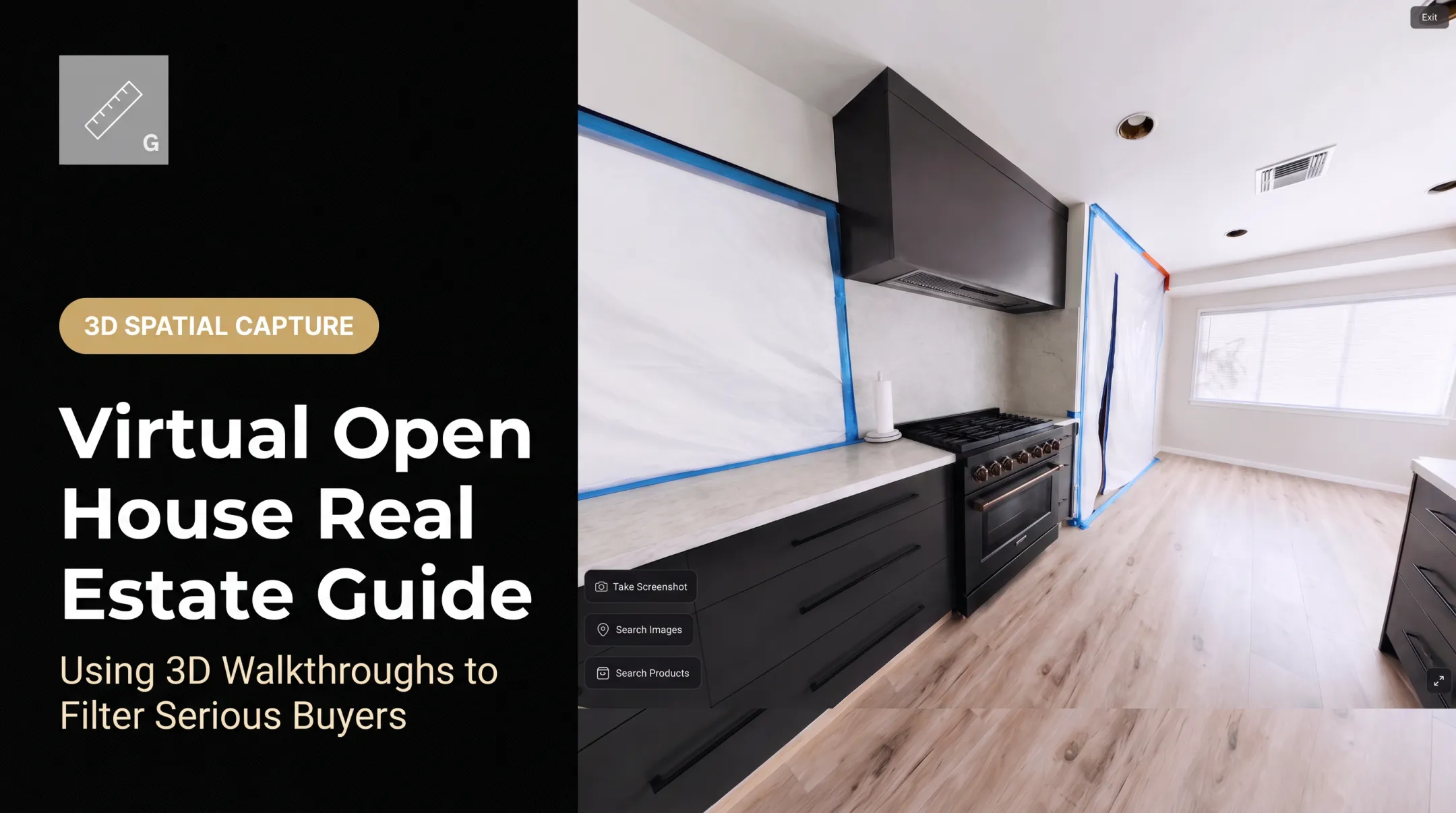
Vroomk's walkthroughs document every room and angle as one continuous record, which buyers can explore from a browser and revisit from anywhere.
Measuring and planning
Some platforms include measurement tools, floor plans, or exportable stills. Vroomk walkthroughs include tools to measure lengths, heights, and areas on the spot. Buyers can get a rough sense of whether a sofa, crib, or desk fits.
Treat these numbers as estimates. Matterport's accuracy guidance notes that scan spacing and capture time affect model fidelity, and an app-generated area is not an appraisal-grade measurement. Anything that matters to a purchase decision needs professional verification.
Who benefits most
- Relocating households reviewing homes before booking travel
- Out-of-area family members who help make the decision
- Busy buyers who can't coordinate weekday schedules
What a scan cannot show
A scan still can't convey:
- Smells and noise
- Neighborhood conditions
- Changing natural light through the day
- Hidden defects behind walls or under floors
Those still require an in-person visit and a licensed inspection.
Why Agents and Sellers Use 3D Scans
Interest from buyers is real. Zillow's 2023 survey found 37% of buyers used a 3D interactive tour and 45% ideally wanted to. That shows demand, not guaranteed results.
On results, be cautious. A Harvard Business School study of 75,178 Los Angeles-area sales found no statistically significant price effect after controlling for photo and description quality. Don't promise sellers a higher price or faster sale.

Practical benefits
- For agents: A concrete service to include in listing presentations.
- For sellers: Fewer unsuitable appointments, less repeated home prep, and remote review for multiple decision-makers.
- For buyers: Specific questions at showings instead of general curiosity.
One seller using a Vroomk link described the effect: "Serious buyers still come; tire-kickers usually don't. Showings are shorter and more intentional, and I'm not walking people through the same empty rooms over and over."
Keep it honest
Present the scan alongside professional photos, a floor plan, video, and written disclosures. It supplements them.
- State the capture date
- Disclose staging and material changes
- Don't hide relevant areas
- Clarify that the scan is visual documentation, not an inspection or legal guarantee
NAR's Code of Ethics requires REALTORS to present a "true picture" in advertising, which applies here.
How 3D Scanning Works for a Property Listing
The workflow has three stages.
Capture
The operator plans a route through every accessible room and positions the device so views overlap. Zillow's capture guidance places capture points roughly 8-10 feet apart.
Watch for trouble spots:
- Mark mirrors so the scan doesn't invent false geometry behind the glass
- Turn lights on in dark rooms
- Keep people, pets, and personal documents out of frame
Matterport estimates 25-38 minutes of capture for a typical 2,000-square-foot home. That's a vendor estimate, so expect variation.
Processing
The platform processes imagery and spatial data into a navigable model. Depending on the platform, you may also get snapshots, floor plans, measurements, or downloadable files. Matterport says most models finish within 8 hours, while very large ones can take 24-48 hours.
Delivery
Before publishing, review the model for missing rooms, stitching errors, privacy issues, and misleading views. Then share it by link, website embed, listing page, or email.
How to Add a 3D Scan to Your Listing Workflow
1. Decide on the package
Choose whether the listing needs a tour alone or a bundle: tour, photos, floor plan, measurements, video, and stills. A luxury property, rental, or new development may call for different detail levels and access controls than a standard home.
2. Prepare the property and the seller
Share a checklist before capture day:
- Declutter surfaces and clear walkways
- Turn on lights and open curtains
- Open interior doors
- Remove people, pets, valuables, and personal documents
- Identify any areas that stay private
Remind the seller that staging and condition get recorded. Decide whether the goal is marketing, condition documentation, or both.
3. Review before you publish
Walk the finished model room by room:
- Spaces connect correctly
- Labels are accurate
- Measurements and floor plans are marked as estimates
- No private information shows
Then test the link on mobile and desktop, and confirm permissions, branding, and expiration settings.
4. Promote and follow up
Put the link where buyers will find it. MLS rules vary: SmartMLS, for example, allows up to two unbranded tour links in its tour field, but that's a local rule, not a national one. Check yours.
Use the scan in conversations to answer layout questions and spot who's ready to book. Vroomk provides continuous walkthroughs, measurement, exportable images, and private shareable links for this kind of coordination.
5. Measure and update
Track visits, revisits, inquiries, qualified showing requests, and time spent answering layout questions. Use your own listing data, not borrowed benchmarks.
Re-scan after renovations, changed staging, new damage, or altered room access. Keep dated versions when condition documentation matters.

3D Scan Listing Costs and ROI Considerations
What drives the price
A quote typically depends on:
- Square footage and number of floors
- Room complexity and capture conditions
- Travel distance and turnaround
- Hosting, processing, and updates
- Add-ons such as floor plans, measurements, and image exports
Published prices vary widely. HomeVisit's 2025 menu lists a 3D tour at $125 for homes under 5,000 square feet, and a tour plus floor plan at $205-$355+.
Vroomk's spatial capture starts at $1.50 per square foot, with a $300 advance, 60-mile coverage, and a +$499 emergency add-on. Emergency capture is available within 24 hours in the Los Angeles and Orange County areas.
Those are individual provider prices, not a national average. Get quotes in writing.
Service versus doing it yourself
In-house capture means more than a camera:
- Matterport's Pro3 lists at $3,995
- Subscriptions add monthly costs
- Training, processing, and staff time still apply
Compare total cost, not hardware price alone.
A simple ROI check
Compare capture and hosting cost against:
- Agent hours saved on unsuitable showings
- Stronger engagement from remote buyers
- Reusable marketing assets
- Differentiation in listing presentations
The answer depends on listing type, buyer audience, local competition, and what your time is worth. A remote-heavy, higher-priced listing may justify a scan more easily than a quick-turn condo.

Frequently Asked Questions
What is a 3D scan real estate listing?
It's an interactive digital model buyers can navigate room by room. Unlike a photo gallery, a single 360 image, a floor plan, or a home inspection, it connects viewpoints into one walkable space.
How does a 3D scan help buyers before a showing?
Buyers explore rooms, understand the layout, and revisit details at their own pace. They can then decide whether an in-person visit is worth the time.
How much does it cost to 3D scan a house?
Pricing varies with size, complexity, location, deliverables, and hosting. Posted examples run from $125 for a basic tour to $1.50 per square foot at Vroomk. Request a quote for your property.
How long does it take to 3D scan a house?
It depends on size, room count, scan density, and preparation. Matterport estimates 25-38 minutes of capture for a 2,000-square-foot home, with processing taking hours to days.
Is a 3D scan the same as a home inspection?
No. A scan documents visible space and geometry. It doesn't replace a licensed inspection, specialist assessment, seller disclosure, or professional measurement.
Can buyers measure rooms in a 3D scan?
Some platforms offer measurement tools or floor plans. Accuracy varies by system, so verify critical dimensions professionally.