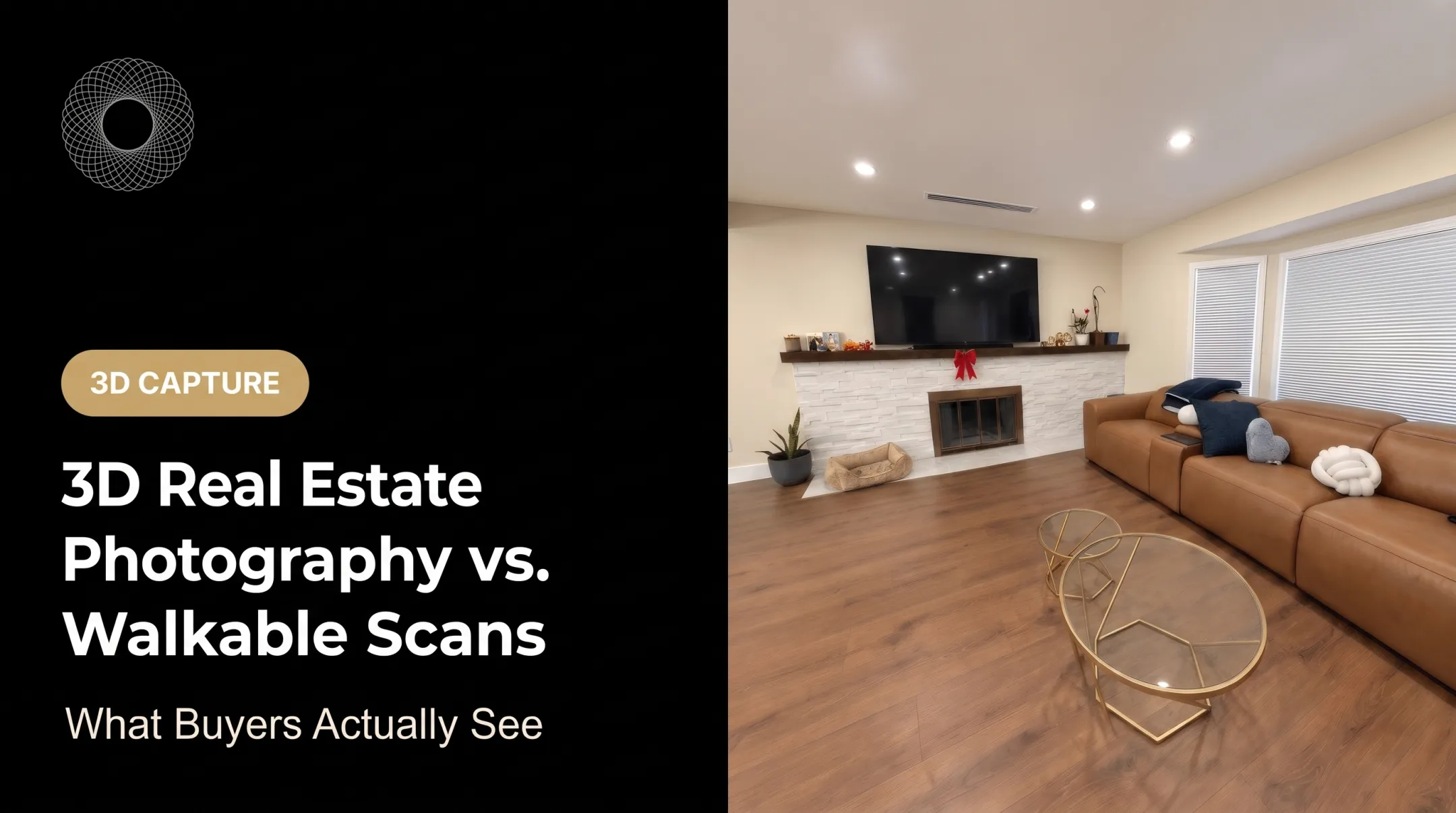
The stakes are real. In NAR's 2025 Profile, 38% of buyers who searched online called virtual tours very useful, and 77% rated detailed property information very useful.
This guide shows how to use a 3D walkthrough to cut unproductive showings, spot higher-intent prospects, protect buyer and seller privacy, and decide when an in-person visit still matters.
Key Takeaways
- Treat the walkthrough as a self-qualification step, not a test of who can buy.
- Complete coverage, accurate facts, and mobile-friendly access make a tour credible.
- Track repeat visits, room exploration, questions, and showing requests as conversation starters.
- Pair activity with lawful, human follow-up on needs, timing, and representation.
How to Use 3D Walkthroughs in a Virtual Open House to Filter Serious Buyers
Step 1: Select the right listing and define the goal
Pick listings where a tour pays off: out-of-area interest, complex layouts, occupied homes, or a flood of showing requests. Then name the goal. Fewer unnecessary showings? Broader remote reach? Better follow-up conversations?
Decide in advance what counts as a meaningful next step:
- Submitting a question
- Requesting disclosures
- Booking a private tour
- Confirming the home meets their stated requirements
One view, or one long visit, proves nothing about seriousness.
Step 2: Prepare and capture a complete, accurate walkthrough
Prep the home as you would for a live showing:
- Declutter and fix lighting
- Remove personal information
- Unlock every room
- Capture exteriors, storage areas, and room transitions
Then choose a platform with simple navigation, shareable links, measurements, and room for related listing materials.
Vroomk captures a property as one continuous walkthrough covering every room and angle, with accurate lengths, heights, and areas available inside the tour. Buyers get one private shareable link to inspect the home before asking for a showing.

Test the result on a phone. Matterport notes that some embedded tours open in a new tab or redirect on mobile, so check your actual link.
Step 3: Build a low-friction qualification path
Put the tour on the listing page, invitation, or a private follow-up link. Add a clear call to action: "Request a showing," "Ask a question," or "Get property documents." Don't force a form before someone can see the home.
Collect only what supports legitimate follow-up:
- Preferred contact method
- Buying timeline
- Location needs
- Whether they have an agent
- Questions about the property
Never screen on protected characteristics or guess at who a visitor is. HUD's 2024 digital advertising guidance warns that targeting and automated delivery can create fair housing risk.
Step 4: Review engagement and follow up with context
Look at analytics for repeat visits, time in specific rooms, measurement use, document downloads, questions, and showing requests. Treat them as prompts to talk, not automatic lead scores.
Then follow up with something useful:
- Confirm dimensions the buyer asked about
- Share disclosures
- Offer a live video appointment
- Schedule an in-person showing
Log every interaction in your CRM the same way each time.
When to Use a 3D Virtual Open House, and What You Need First
A walkthrough gives buyers on-demand access and complements live or in-person showings. It doesn't automatically replace them.
When a 3D walkthrough is a strong fit
Prioritize listings with:
- Out-of-area buyer interest
- Complicated floor plans
- Occupied sellers
- Restricted showing windows
- High showing volume
- Features that static photos explain poorly
Use caution when the listing has:
- Poor lighting or unfinished areas
- Privacy-sensitive belongings
- Fast-changing conditions
- Defects a digital model may hide
Disclose material facts separately. NAR's Code of Ethics prohibits misrepresentation or concealment of pertinent facts, and a tour shouldn't create a misleading impression.
Equipment and system requirements
Confirm you have:
- A capture method and compatible camera or phone
- A stable upload connection
- A hosting platform with privacy controls and analytics
- Mobile access that works without special software
- Working links to your listing page, inquiry form, calendar, CRM, floor plan, and disclosures
Inputs, readiness, and compliance checks
Before publishing, verify:
- The property is staged and capture permission is documented
- Seller belongings and personal data are protected
- Listing facts, room labels, measurements, and linked documents are reviewed
Privacy deserves attention. A 2023 USENIX Security paper found that visible belongings in residential 3D tours can reveal personal details about occupants.
Train your team on fair housing, privacy, accessibility, data retention, and local MLS rules. Always give buyers an equivalent contact option (phone or live help) if they can't use the interactive tour.
Key Parameters That Affect Buyer Qualification
Engagement data is only as useful as the tour behind it, the friction in viewing, the listing's relevance, and how consistently you follow up.
Walkthrough completeness and spatial accuracy
Missing rooms, confusing navigation, or unreliable dimensions push qualified buyers away or lead them to wrong assumptions.
- Check that every relevant area is captured
- Verify room labels
- Present measurements as informational unless verified
- State material facts clearly so buyers do not have to guess
Matterport states its Pro2 dimensions are typically within about 1% of ground truth, but that's a vendor figure for specific hardware.
Access friction and buyer experience
Logins, slow loading, vague instructions, and poor mobile performance suppress engagement. Google's mobile speed research reports bounce rates rising from 13% to almost 60% as load times stretch from under three seconds to nine.

That study isn't real-estate-specific, but the lesson carries over. Cut friction with a few practical checks:
- Test on common devices
- Trim form fields
- Add a short orientation
- Offer another contact route
Qualification prompts and next-step design
Browsing alone rarely explains why someone is interested, unsure, or silent. Prompts for questions, documents, measurements, live tours, and showings turn passive viewing into dialogue. Assign each prompt an owner and a response standard.
Interpretation of engagement signals
A repeat visit or long session may mean interest. It may also mean casual research, comparison shopping, or a glitchy link. Even view counts can include your own team; Matterport notes analytics may count the account owner and collaborators.
Combine analytics with what the buyer tells you, property fit, and stated timeline. Never infer protected characteristics, financing, or legal eligibility from behavior.
Common Mistakes, Troubleshooting, and Alternatives
Common mistakes
- Publishing an incomplete or poorly staged scan
- Leaving personal information visible
- Allowing wrong labels or measurements
- Treating every viewer as a qualified lead
- Hiding the next step
- Relying on analytics alone instead of conversations, pre-approval checks, or required disclosures
Troubleshooting
High views, few inquiries? Check whether the tour:
- Is easy to find and loads fast
- Explains the home clearly
- Shows an obvious way to ask for information or a showing
Buyers abandon the tour or doubt its accuracy? Inspect:
- Scan coverage and room transitions
- Lighting and device compatibility
- Privacy redactions
- Whether the tour matches the written listing
One property professional using Vroomk's Condition Preservation link put it this way: "Before I book a showing I send the Condition Preservation link. Serious buyers still come; tire-kickers usually don't." It's one testimonial, not a benchmark, but it shows the intent.
Alternatives to a 3D virtual open house
- Live video suits buyers who want real-time answers and a guided remote showing. RESO defines a livestream open house as a scheduled, real-time event with agent interaction.
- Recorded video works when you want a polished, replayable narrative.
- In-person showings remain essential for tactile details, sound, condition, neighborhood context, and renovation concerns.
No reliable head-to-head study ranks these formats, so match the format to the buyer's need. Use the 3D tour to pre-screen and prepare, not to replace.

Conclusion
Filtering serious buyers with a 3D walkthrough works when the property is captured accurately, the path to the tour is easy, and follow-up rests on conversation rather than assumptions. Most poor results trace back to thin preparation, confusing access, weak calls to action, or overreading analytics.
The strongest process balances reach, seller privacy, buyer accessibility, fair housing compliance, and efficient scheduling of the next showing.
Frequently Asked Questions
Are virtual open houses worth it?
Often, yes, for remote buyers, seller convenience, and pre-screening. Results depend on listing fit and execution.
What software do realtors use?
Agents combine live-streaming platforms, recorded-video tools, interactive 3D walkthrough platforms, scheduling tools, analytics, and CRM integrations. No single provider is best for everyone.
What is the meaning of open house?
An open house lets prospective buyers view a listed home, usually without an appointment. It can be in person, a live stream, a recorded video, or an interactive 3D tour.
How do 3D walkthroughs help filter serious buyers?
Engagement can show who wants more information or a showing. It's one signal, and it needs direct, lawful follow-up.
Can a 3D virtual tour replace an in-person showing?
It can reduce unnecessary visits and support remote decisions. Many buyers still want to judge condition, scale, and surroundings in person.
What should agents track after a virtual open house?
Track tour visits, repeat engagement, questions, document requests, showing requests, and follow-up outcomes. Use them to understand lead quality, not as proof of buyer intent.