Introduction
Property evidence is rarely in one place. Deeds sit in a closing binder, inspection reports in an inbox, invoices in a contractor's app, photos on three phones. When a claim, sale, or dispute arrives, nobody can say with confidence what existed, when, and what changed.
A walkable record adds spatial context to that paperwork. You move through the property, check conditions, tie observations to documents, and return after repairs to see what changed.
This guide covers how to create, organize, preserve, and use that record for insurance claims, sales, construction coordination, and disputes. Requirements vary by state and locality, and the record doesn't replace legal or title advice.
Key Takeaways
- A walkable record is a room-by-room, dated, measurable property history linked to documents.
- Capture before work begins, at milestones, and after completion.
- Keep ownership documents separate from condition evidence, linked by consistent labels.
- Use permissions, backups, and version history so each party sees only what it needs.
What Is a Property Documentation Record, and Why Make It Walkable?
What counts as property documentation?
Two categories matter, and they do different jobs.
- Ownership and contract records: deeds, title commitments and policies, surveys, tax records, permits, contracts, disclosures, closing documents.
- Condition records: inspections, repair invoices, warranties, maintenance logs, photos, video, project correspondence.
The first set establishes rights. The second shows physical condition, damage, workmanship, and change over time. Most situations need both.
For context, one county register of deeds defines recording as entering documents that affect or convey real-estate interests, which gives constructive notice. That is a local example, not a nationwide definition.
Why spatial context matters
Isolated photos show a stained ceiling. They don't show which room it's in, what sits above it, or how it relates to the plumbing wall next door. A continuous walkthrough preserves orientation, so a reviewer doesn't depend on someone else's description.
Vroomk's 3D Spatial Capture works this way: every room and angle becomes one continuous walkthrough, opened from a browser, with lengths, heights, and areas measurable in the scene.
Who benefits
- Attorneys and experts comparing accounts of site conditions
- Adjusters and restoration teams scoping damage
- Contractors, designers, and inspectors coordinating work
- Owners, agents, property managers, and buyers who can't visit at the same time
What it does not replace
A spatial record doesn't replace:
- Recorded deeds, title searches, or title insurance
- Surveys, inspections, permits, or appraisals
- Disclosures, engineering opinions, or legal filings
The Texas Department of Insurance separates the title commitment issued before closing from the policy issued after. A qualified professional or the relevant authority must verify those documents and any technical conclusion.
How to Build a Walkable Property Record
Define the purpose, baseline, and scope
Start with the use: claim support, pre-sale disclosure, construction progress, defect investigation, renovation planning, or dispute preservation. Then list the buildings, rooms, exterior areas, systems, and documents to include.
Log these with every capture:
- Capture date and property identifier
- Project phase
- Responsible parties, where appropriate
- Reason for the capture
That makes it easy to tell a baseline from a follow-up.
Capture in a consistent sequence
Use the same route every time:
- Site and exterior
- Entry points and common areas
- Each room in order
- Utility areas, plus attic or crawl space where safely accessible
- Mechanical, electrical, plumbing, structural, and finish elements
Combine wide views with close views of defects, labels, serial numbers, and connections. Capture areas that will be hidden by drywall, flooring, or cabinets before they're covered.
Vroomk's rough-in and framing captures keep MEP, structural, and slab conditions viewable after the walls close. One remodeling client reportedly saved thousands in repair work because a prior rough-in scan located wiring.
Treat scan accuracy with care. National Park Service laser-scan guidance notes that scan data is not itself formal documentation and that registration and operator planning affect accuracy. Where precision matters, supplement with conventional measurements.

Connect visuals to documents and observations
Link each important location to its supporting invoice, permit, warranty, repair scope, or expert note, using the same room, system, issue, and date references everywhere.
Write neutral descriptions: what is visible, the source, date, location, and any uncertainty. Keep observations separate from assumptions and later interpretations. "Brown stain, 2 ft wide, north wall of bedroom 2" beats "old leak damage."
Document change over time
Build before, during, and after records for damage, remediation, renovation, and maintenance. Recurring captures:
- Show progress across phases
- Reveal when a condition first appeared
- Confirm what was removed or repaired
- Support handoffs among owners, contractors, adjusters, and counsel
Review before sharing
Run a quality check:
- Missing rooms or angles
- Unclear images and unreadable labels
- Inconsistent dates and duplicate files
- Conclusions without support
- Missing documents
- Areas that were unsafe or inaccessible
Keep an untouched original and note every edit or export. Have the project lead, owner, adjuster, attorney, or inspector confirm the record fits its purpose.
Organize, Preserve, and Share the Record
Use a hierarchy people can follow
Organize by property, building, level, room, system, issue, phase, and date. Fix the vocabulary for filenames and tags (for example, "Bath2" every time, never "guest bath" one day and "second bathroom" the next).
Keep legal documents, condition captures, work orders, invoices, and correspondence connected, but don't park sensitive records in a broadly accessible folder.
Protect integrity, versions, and continuity
NIST's digital evidence guidance advises documenting a file's source and how it was created or transferred, hashing files, preserving copies, and using individual authentication and access controls. Apply the same habits here:
- Keep original files with date and time data
- Maintain version history and backups
- Log who captured, uploaded, reviewed, annotated, or shared each item
Retention periods, litigation holds, insurer requirements, and discovery duties vary. Confirm with counsel, your insurer, or the relevant authority before deleting or altering anything.
Share selectively
Give owners, buyers, agents, contractors, adjusters, experts, attorneys, and tenants separate views. Limit personal information, security-sensitive details such as alarm or safe locations, and unrelated documents.

Vroomk supports this with interactive 3D walkthroughs, in-space measurements, exportable stills from any angle, and private shareable links. Teams review the same space remotely while document management and legal review stay in their own processes.
Apply the Record to Claims, Sales, and Disputes
Insurance claims and restoration
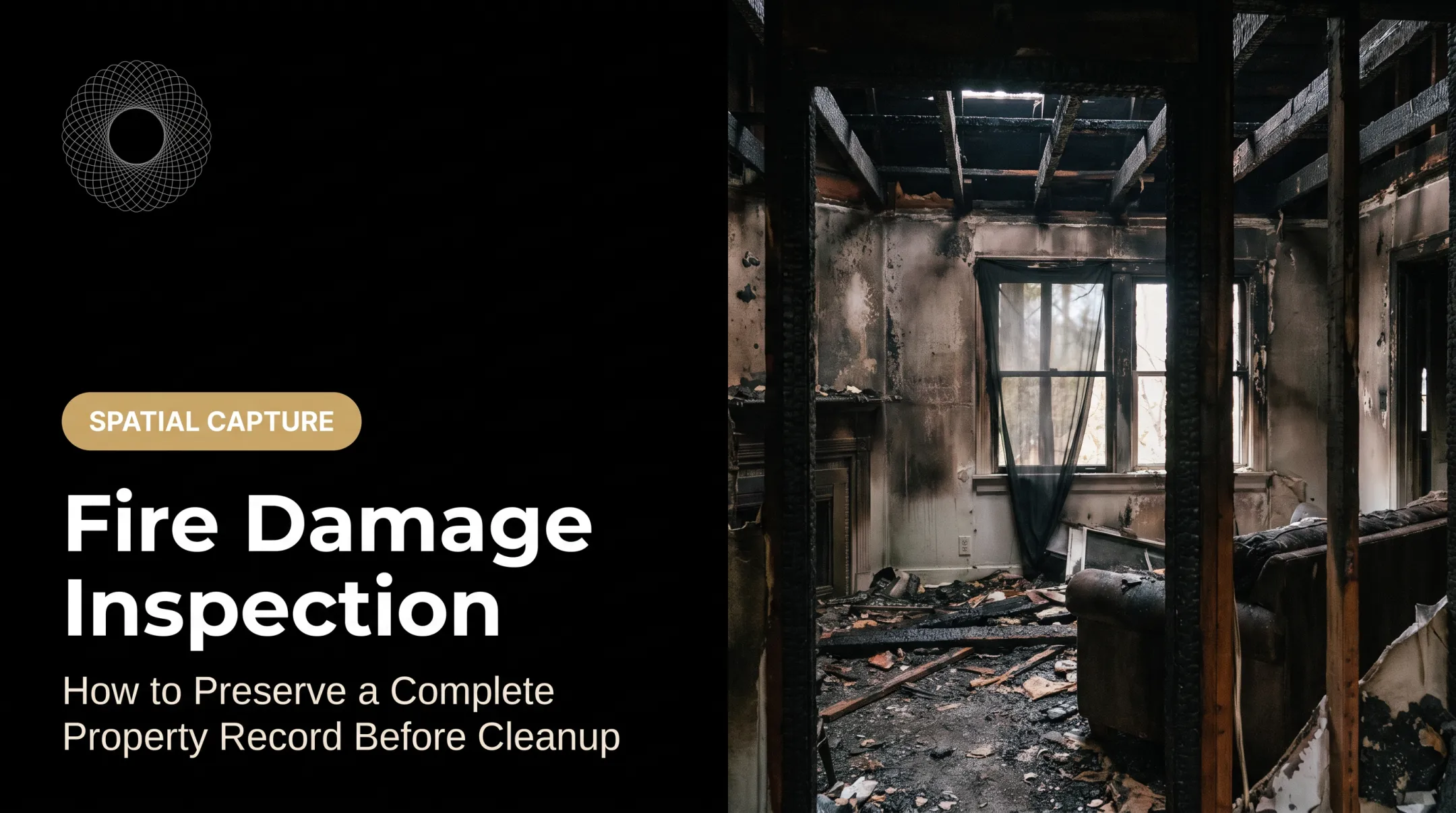
A pre-loss or pre-work record helps establish condition, contents, finishes, and where damage sits. Post-loss captures can then show mitigation, demolition, drying, repair, and completion.
Pair visuals with the policy, adjuster requests, estimates, invoices, moisture reports, contractor scopes, and communications.
Claims aren't rare: homeowners policies averaged 5.33 claims per 100 house-years in 2023. Documentation supports a claim but doesn't guarantee coverage or payment.
Sales and buyer due diligence
Sellers and agents can use the record to explain improvements, repairs, materials, and room dimensions, and to let remote buyers look before booking. Vroomk's Condition Preservation links helped sellers attract serious buyers and shorten showings.
The record supplements, never replaces, seller disclosures, title work, inspections, surveys, permits, and appraisals. Disclosure rules vary by state.
Construction, renovation, and as-built coordination
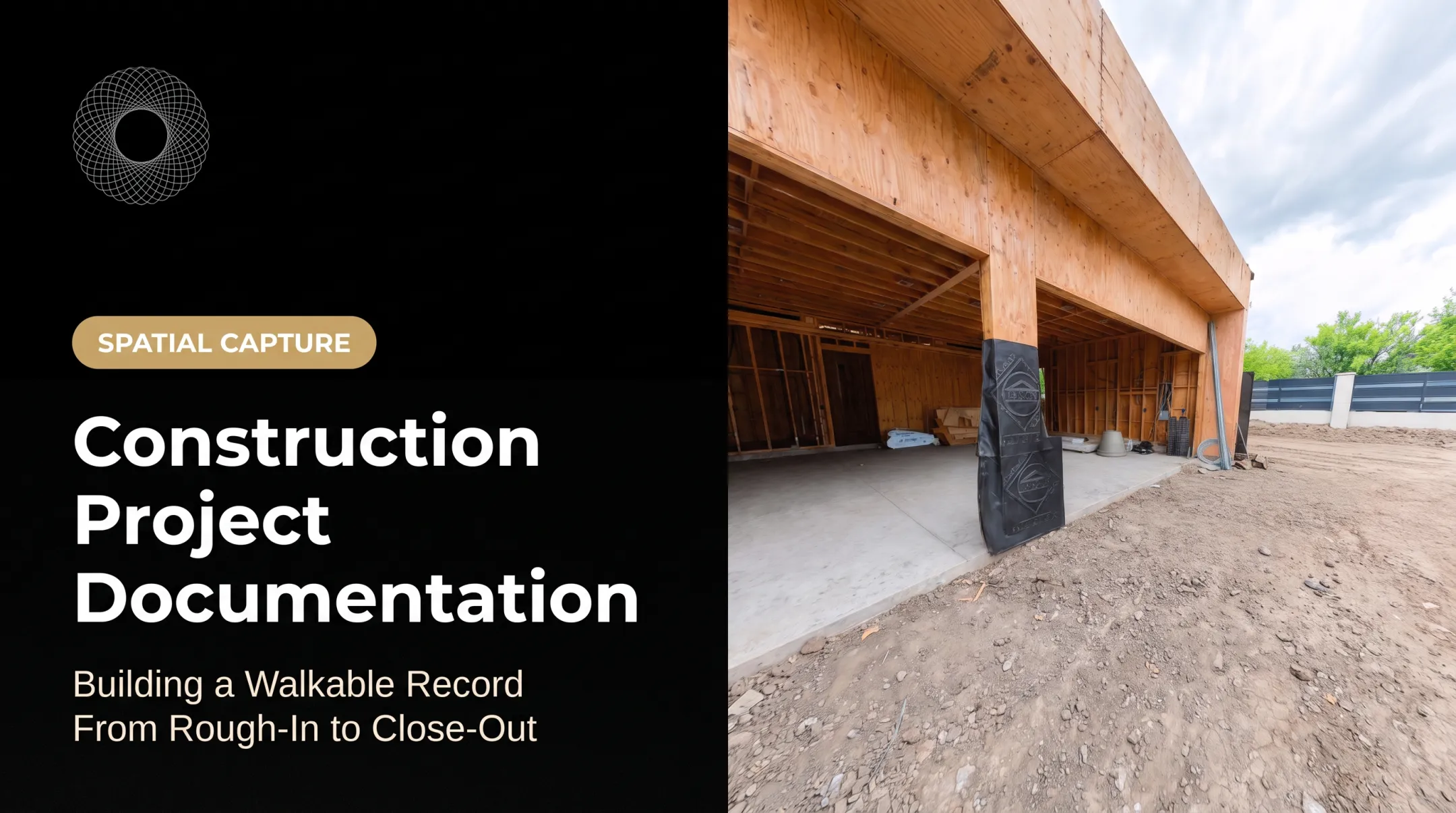
Recurring walkthroughs capture concealed conditions before they're covered, plus completed work, punch-list items, substitutions, and progress against scope.
Room-level references let owners, general contractors, subcontractors, designers, and inspectors point to the same place instead of relying on memory.
Property damage, defect, and premises disputes
Counsel and experts can use dated spatial records to understand site conditions, compare accounts, spot changes after an incident, and plan inspections. Build the record carefully:
- Capture neutrally and completely
- Preserve originals
- Keep reliable metadata
- Document how files were handled
A walkthrough is not automatically admissible or conclusive; authentication and expert-reliability standards still apply.

A practical handoff workflow
- Capture the baseline before loss, work, or turnover.
- Upload and label supporting records such as policies, scopes, and invoices.
- Document each change with a dated follow-up capture.
- Review for completeness across rooms, elevations, and key details.
- Preserve the original files and metadata without overwrites.
- Create a permission-controlled share for the people who need access.
- Log requests and updates so the handoff history stays clear.
Teams that need a shareable, measurable reference can use Vroomk's interactive spatial documentation, with emergency capture within 24 hours in the Los Angeles and Orange County areas and other locations by appointment. Pricing starts at $1.50 per square foot. Legal, insurance, title, and inspection decisions belong with the right professionals.
Conclusion
Strong documentation pairs conventional legal and transaction records with a dated, spatial account of condition and change. Build the baseline before work, loss, listing, or dispute begins, then update it as the property changes. Get professional guidance on your state's and locality's requirements.
Frequently Asked Questions
What documents are the best proof of property ownership?
A properly recorded deed is generally central. Title reports or policies, surveys, tax records, and closing documents support verification. Terminology varies by jurisdiction, so a title professional or attorney should confirm what evidence you need.
What are common property documents?
Ownership and title records, purchase agreements, financing and closing records, permits, tax and insurance records, inspections, disclosures, maintenance records, and condition evidence such as photos and walkthroughs.
What is a property document?
A paper or digital record relating to a property's ownership, rights, obligations, condition, use, maintenance, financing, transfer, or legal compliance.
What is another term for a property document?
Real estate document, property record, title document, land record, transaction record, or property file. A deed is a specific type of property document. These terms aren't always interchangeable.
What should a walkable property record include?
A navigable spatial capture covering all rooms and exterior areas, dates, measurements, annotations, condition notes, linked documents, change history, access controls, and preserved original files.
Can a 3D property record replace a deed, inspection, or legal filing?
No. It adds spatial context and condition evidence. It doesn't replace recorded ownership documents, professional inspections, required disclosures, permits, title work, or legal filings.